
Documentation Index
Fetch the complete documentation index at: https://platform.minimaxi.com/docs/llms.txt
Use this file to discover all available pages before exploring further.
安装 Cline
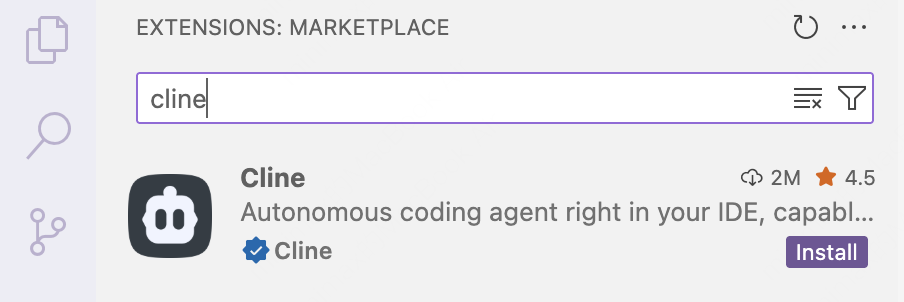
- 打开 VS Code,点击左侧活动栏中的扩展图标,在搜索框中输入
Cline - 点击
Install按钮进行安装,安装完成后,可能需要重启 VS Code
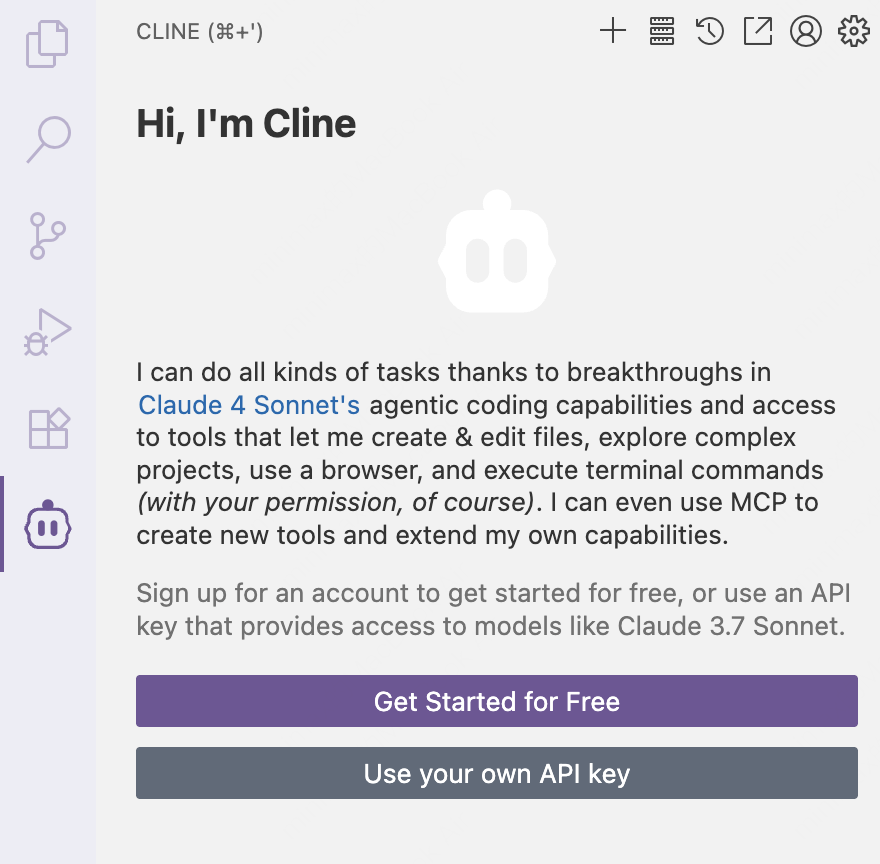
- 完成安装后,可以在左侧活动栏中看到 “Cline” 的图标
配置 MiniMax API
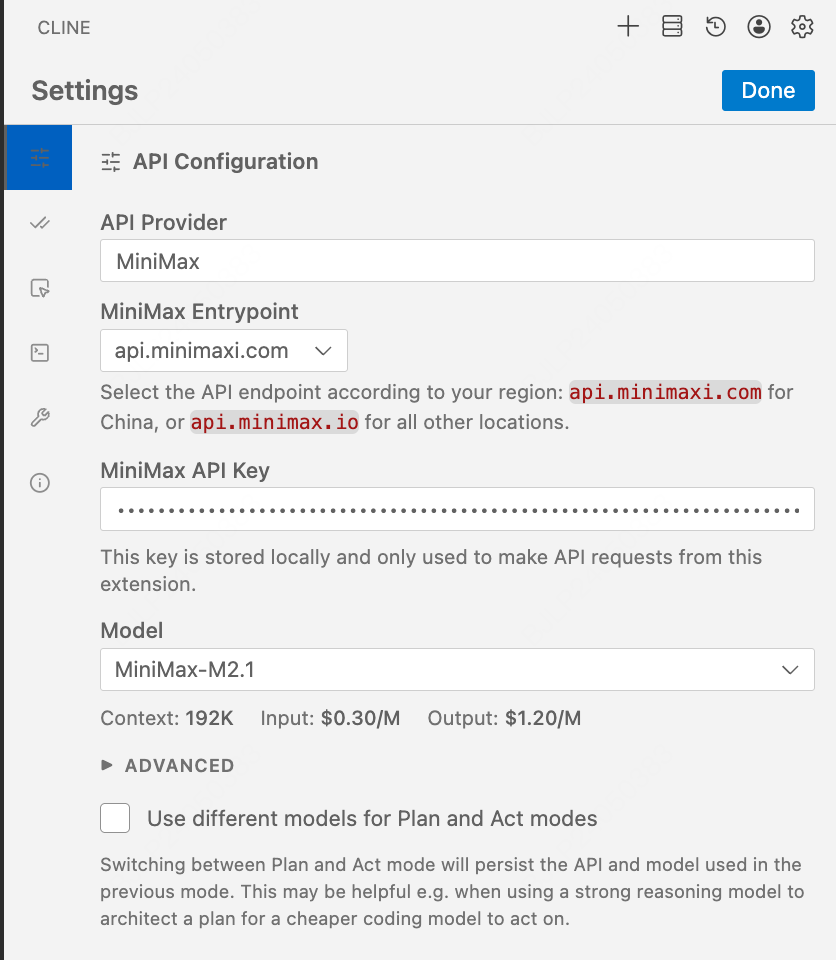
- 点击”Use your own API key”按钮,进入 Cline 的参数配置界面
- API Provider -> 选择”MiniMax”
- MiniMax Entrypoint -> 选择
api.minimaxi.com - MiniMax API Key -> 输入您的 API Key
- 点击右上角的 “Done”,保存配置
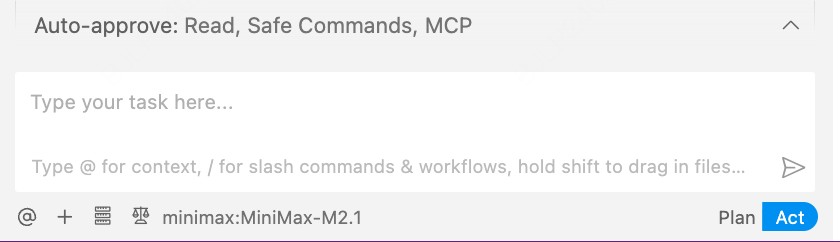
- 勾选 Auto-approve 中的”Edit”选项框,开始使用”MiniMax-M2.7”